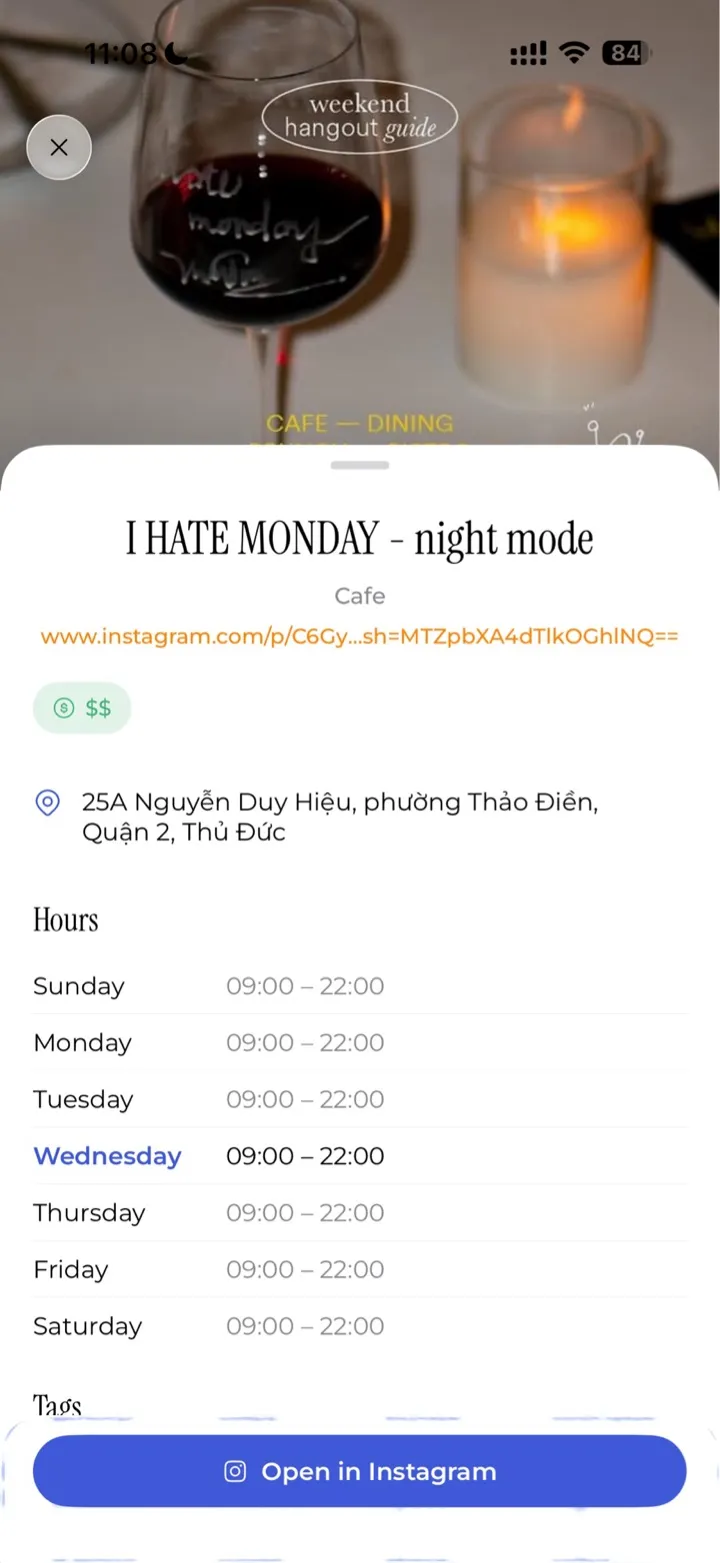
Places
Restaurant links become map pins with hours, address, and price.
Saved is an iOS app that turns shared links into a tidy library. Hit share from any app and the link lands instantly — Instagram and TikTok cooking posts become structured recipes, restaurant pages become map pins, everything else stays neat and findable.
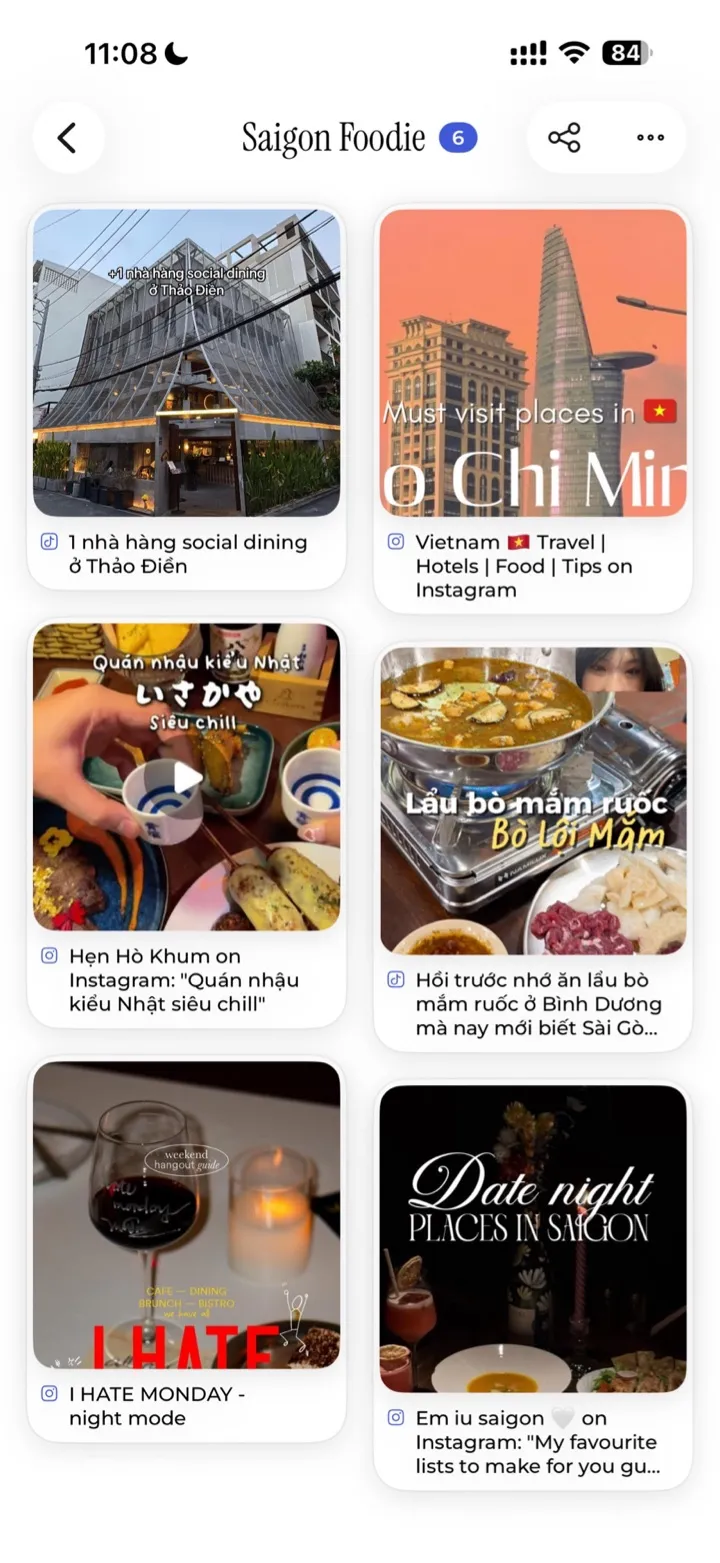
Whatever you save, Saved gives it the right home — and the right view.
Restaurant links become map pins with hours, address, and price.
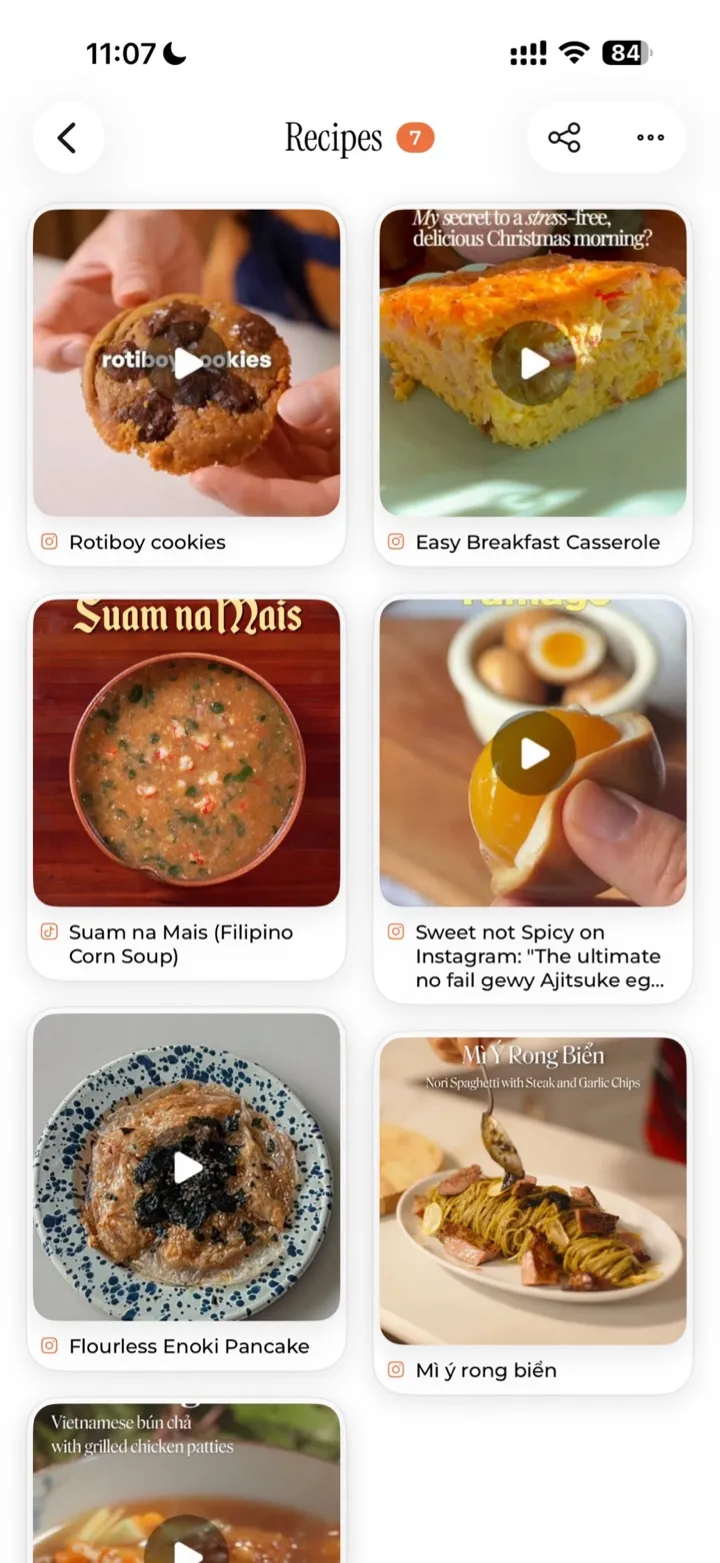
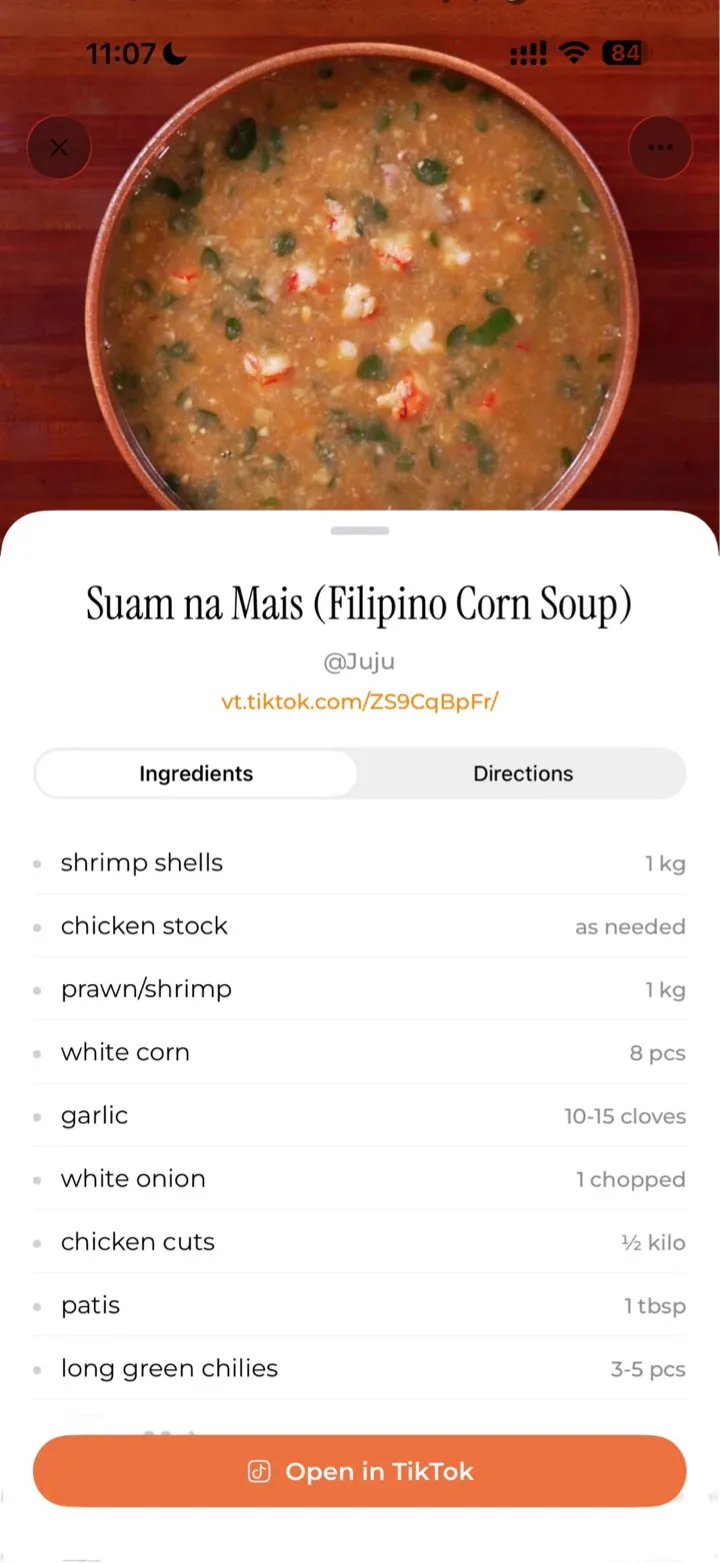
Reels and TikToks land as a tidy recipe shelf.
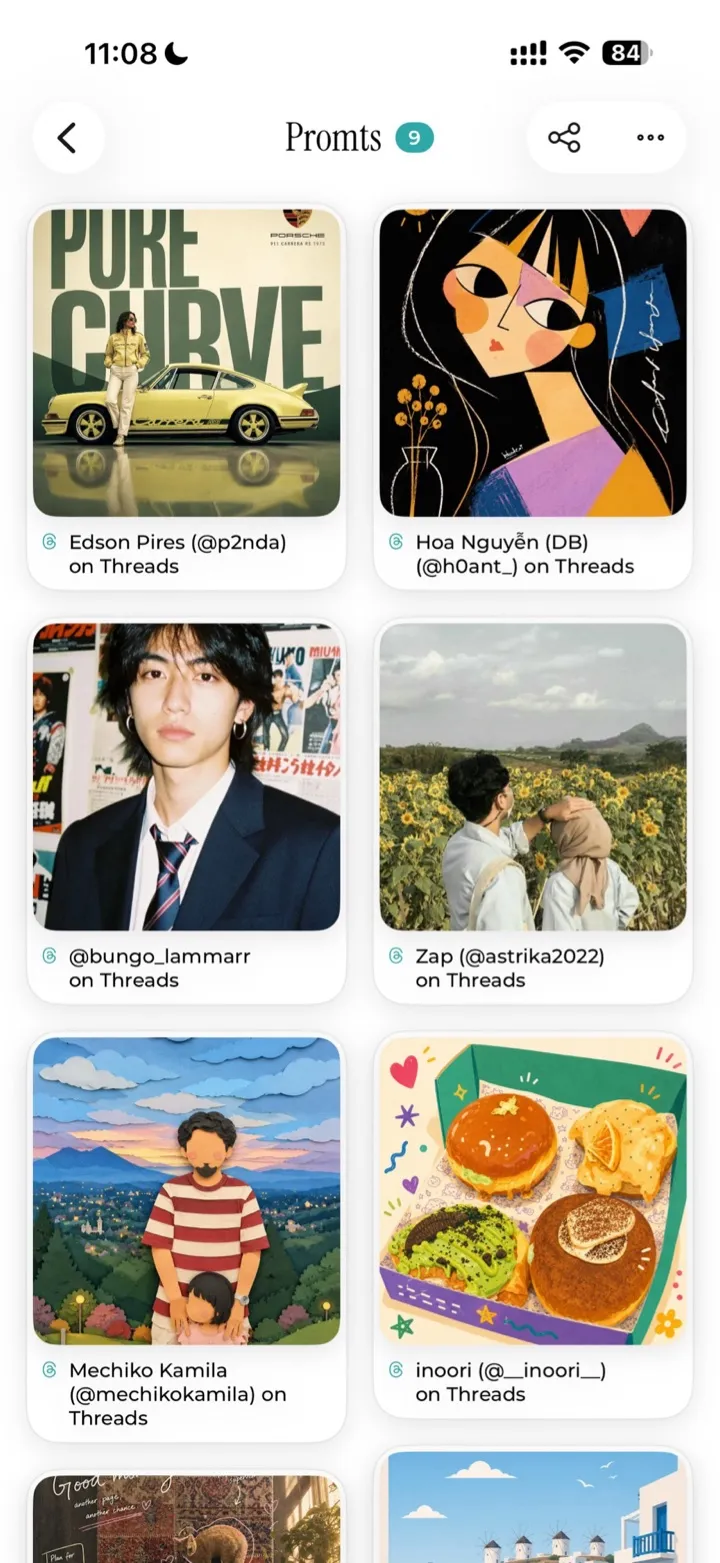
Make a folder for anything — moodboards, prompts, references.
When you save a link, Saved shows you what it found in under a second — no spinners, no waiting. In the background, Gemini quietly refines it into a recipe, a place, or a cleaner title. For Instagram and TikTok video posts, an AI Magic button appears at the bottom. Tap it, pick recipe or location, and Gemini watches the video to pull out ingredients, steps, or the spot.
The Saved iOS app lives in your share sheet, so saving a recipe, a location, or a link never breaks your flow.
From Instagram, TikTok, Safari, or any app with a share sheet, send the link to Saved.
Choose Recipes, Locations, Articles, Videos, Shopping, or one of your own. The link lands in your library instantly.
Gemini parses Instagram and TikTok cooking posts into ingredients and steps, pulls addresses from restaurant pages, and cleans up titles for everything else.
Sign in with Apple, and your library syncs end-to-end across iPhone and iPad. Share a folder with a partner, a co-traveller, or a recipe-trading friend — everything stays in step.
Fast first. AI refines in the background.